A new beginning
I’ve been toying with the idea of vlogging, blogging, and journaling, and looking at the tools available to support me in creating an appropriate online space for my meanderings.
I’ve tried using Day One, and its really good for writing a private journal, but it doesn’t meet all of my demands in terms of what I want to be able to do.
I have a couple of Instagram logins, and I think I’m going to create one specially for Entropicalee, which is where I will post photos I want to share on the blog. The same goes for YouTube, and Facebook, but I haven’t decided to what extent I want to include or cross post content onto those platforms.
I decided to take a look at Jekyll, which is a Static Site Generator. This has many of the benefits of a blogging platform, but is used to create a static site, making it more resilient from both a performance and security perspective.
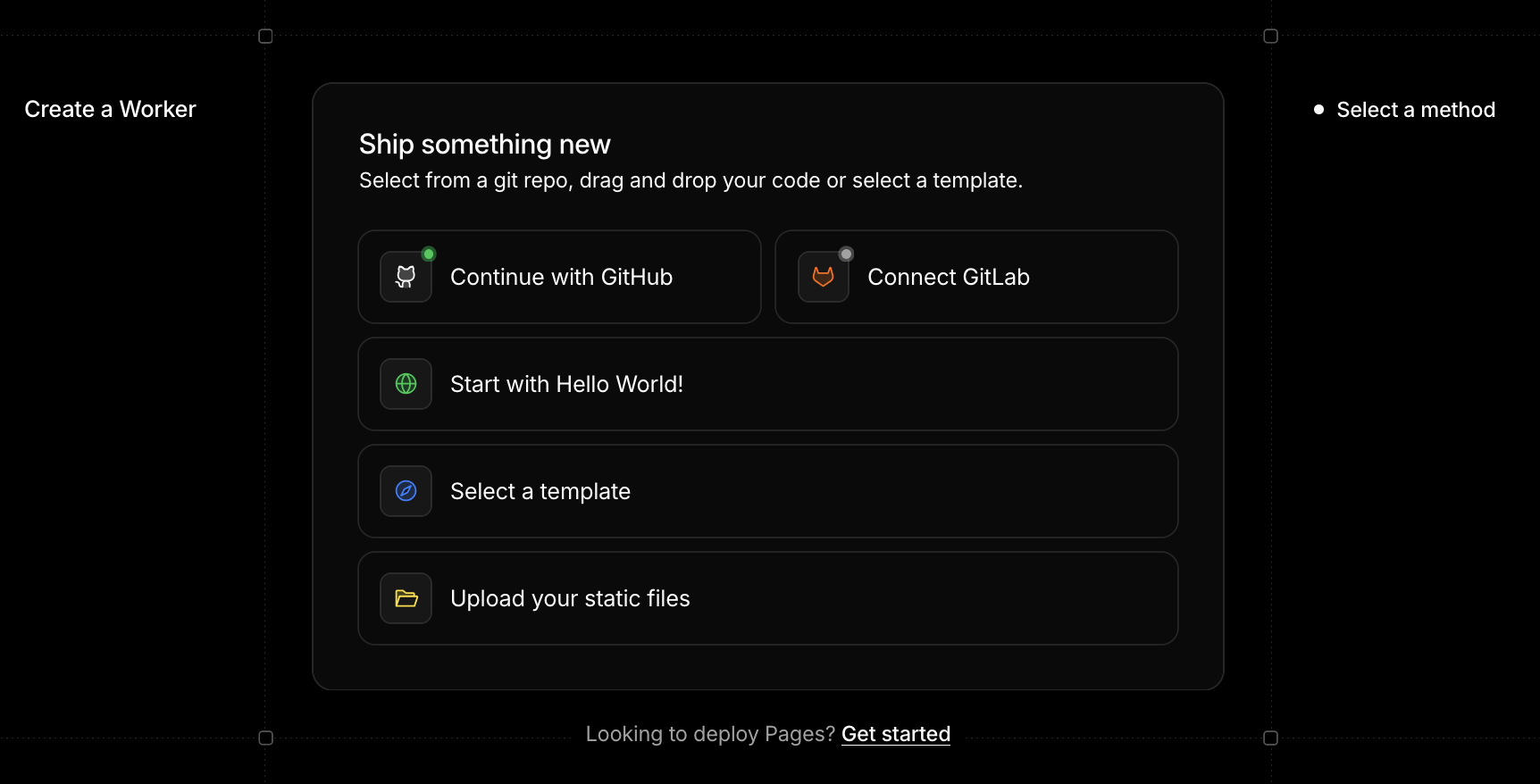
As I was already using Cloudflare, a solution using Cloudflare’s Pages seemed like a really good way to go, and managed to get it working with the help of ChatGPT and the Cloudflare Jekyll tutorial. It looks like the tutorial hasn’t quite caught up with some more recent UI changes. 🤣
The trick is to click on the “Get Started” link at the bottom of the create worker dialog… who would have guessed! Once you do that, the rest of the tutorial instructions make perfect sense! 😊